How-to · Developer
How to modify request headers in Chrome
The short answer
Add a header rule with a URL pattern and the headers to set or remove — matching requests are rewritten locally as they leave the browser. Verify the change in the hit log, because DevTools can still display the headers as they looked before the rewrite.
- 1
Add a rule with the header action and give it a recognizable name.
- 2
Scope it with a URL pattern (e.g. ||api.example.com^) and pick the HTTP methods.
- 3
Add the headers to set or override — or mark headers for removal.
- 4
Save and reload — matching requests now carry the modified headers.
- 5
Confirm the rewrite in the hit log, and group header sets per environment (dev / staging / prod).
Testing an API against different auth tokens, adding an X-Debug flag your staging backend understands, spoofing Accept-Language to check localization, or stripping a header to reproduce a client bug — all of it comes down to the same move: rewriting request headers before they leave the browser. You don't need a proxy for that; a scoped header rule does it per-URL, locally. It also beats hand-editing a single request in DevTools: a rule applies to every matching request, survives reloads, and stays on until you switch it off.
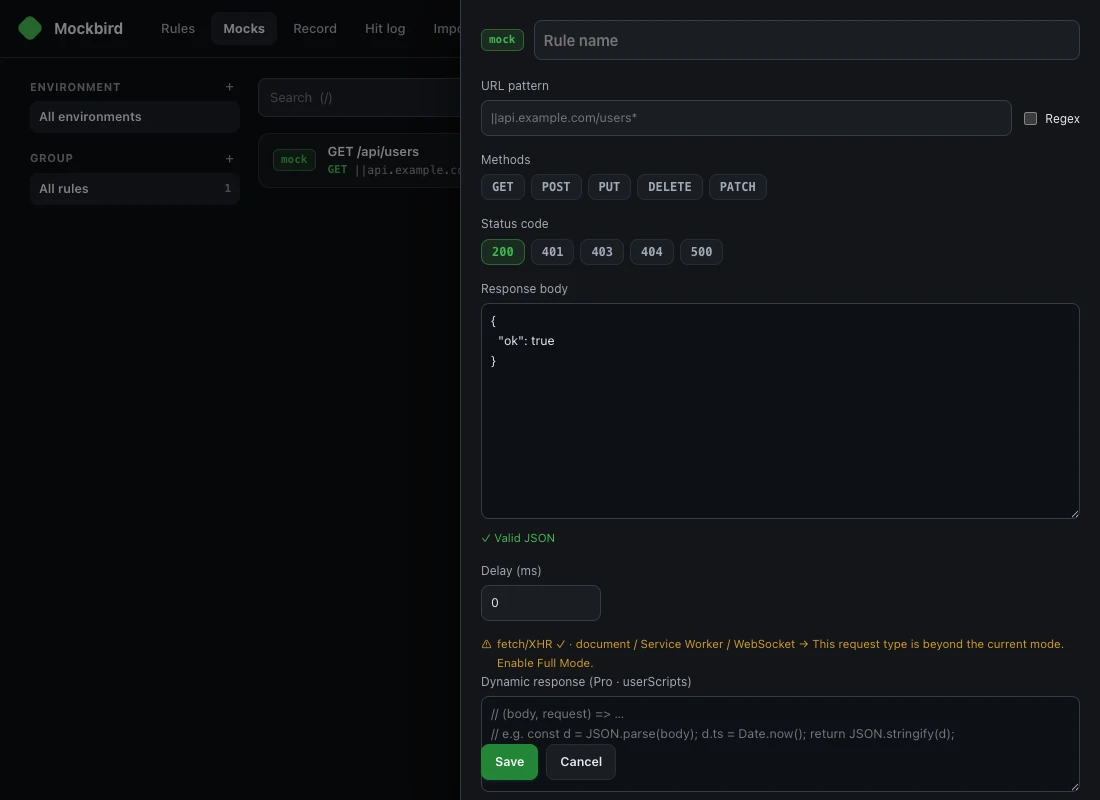
Add a header rule
Create a rule with the header action and name it after its job — "staging auth" tells future-you more than "headers 3".
Scope it with a URL pattern
Enter the pattern the rule should apply to, e.g. ||api.example.com^, and pick the methods. This is the big difference from browser-wide header switchers: the injection only touches requests that match, so your token never rides along to third-party domains.
Set or remove the headers
Add each header to inject or override — Authorization: Bearer …, X-Debug: 1 — or mark one for removal. Note that a small set of headers is controlled by the browser itself and can't be overridden by any extension.
Save and verify in the hit log
Reload and watch the hit log: it records which requests the rule rewrote, with a badge count on the toolbar. Don't trust the DevTools Network tab alone here — it can show the request as originally composed, which makes a working rewrite look like a silent failure.
Organize by environment
Keep one header set per environment — dev, staging, prod — as groups, and flip between them in a click instead of editing values in place. If you're coming from ModHeader or Requestly, the importer converts your existing rules and honestly flags anything it can't map.
Where your header values live
Header rules routinely contain real tokens, so storage matters: rules are stored locally on your device, nothing is synced or phoned home, and there's no telemetry. Header rules are unlimited in the free tier; on Chrome, request types beyond fetch/XHR need Full Mode, which shows a visible debugging banner while enabled.