How-to · Developer
How to switch between test accounts in Chrome without logging out
The short answer
Log in as each test account once, capture the token it sends in DevTools, and save it as a named environment — admin, member, trial. Then switch which account’s token is injected instead of logging out and back in. You still re-capture when a token expires; everything stays local.
- 1
Log in as the first test account and open the AuthRoam panel in DevTools.
- 2
Capture the credential the app sends and save it as an environment named after the account (admin, member, trial).
- 3
Log in as each remaining account once and save it the same way.
- 4
Switch the active environment to change which account’s token your requests carry — no log-out.
- 5
When a token’s expiry badge fires, log that account in once and re-capture.
- 6
Keep injection scoped to your authorized test domains in settings.
Testing role-based features means checking the same screen as two or three different users: does the admin see the button, does the member get the upsell, does the trial account hit the paywall? The usual price is a log-out/log-in cycle for every check — or a desk cluttered with incognito windows and spare Chrome profiles. If your app authenticates with tokens, there’s a cleaner way: keep each account’s credential saved, and switch which one your requests carry.
Why the usual workarounds hurt
Incognito windows and separate browser profiles do isolate sessions, but each one is its own cold world — you re-type credentials, lose your tabs, and still can’t flip identities in place. And pasting tokens into a scratch file to swap them by hand is how a staging admin token ends up somewhere it shouldn’t be.
Save each account’s token once
Log in as the first account and open AuthRoam’s DevTools panel on the tab. It captures the credential the app actually sends — bearer token, cookie or JWT — from a real request. Save it as an environment named after the account: admin, member, trial. An environment is just a named saved credential; nothing says it has to be dev, staging or prod. Log in as the next account, capture, save, repeat — once per account, not once per check.
Switch identity in place
Now pick the active environment and matching requests carry that account’s token — the API sees the member, then the admin, without a single log-out. Switching is scoped per tab and limited to the domains you’ve authorized, so a test credential never rides along to hosts you didn’t list.
The honest limits
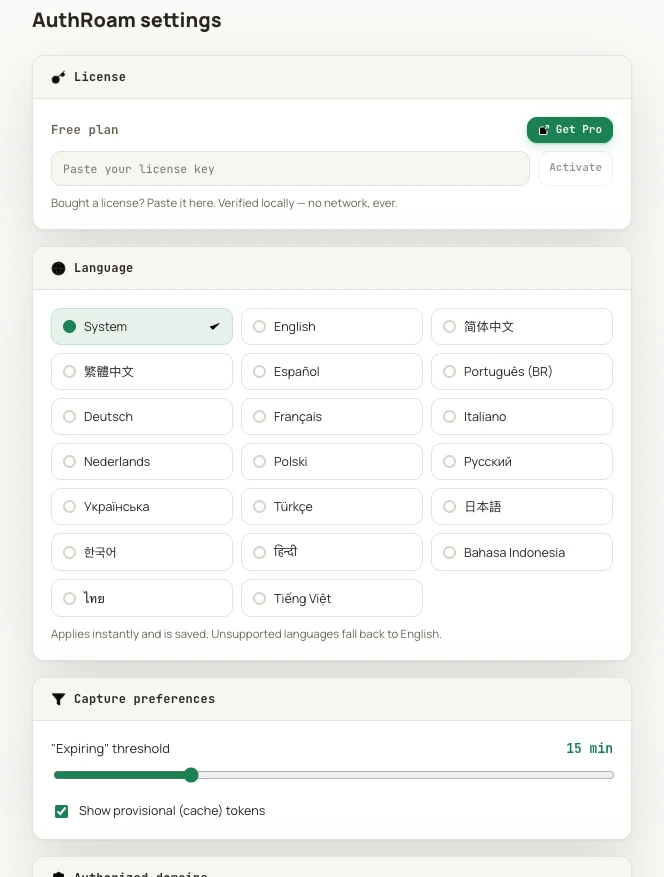
This works at the token level: it’s for apps whose identity rides in a credential AuthRoam can capture and inject, and for test accounts you own. You also haven’t abolished logging in — each account gets logged in once to mint its token, and again when that token expires. What disappears is the churn in between. Expiry is visible rather than surprising: every saved token carries a badge, and you can tune how early the “expiring” warning fires.
What’s free and what’s Pro
The free tier captures and decodes tokens and holds one environment with manual injection — enough to try the workflow with a single account. Keeping several accounts saved side by side means several environments, and unlimited environments (plus auto-inject rules and token history) are Pro. Your Extensionsly account is used only for checkout and copying the signed license, which AuthRoam verifies locally.
Credentials stay on your machine
Saved tokens live only in local extension storage — no sync server, no analytics, zero telemetry. For a tool that holds the keys to your test accounts, that’s the property that matters most.