How-to · Writing
How to calculate the reading time of any text
The short answer
Select the text and open Word Counter — the popup shows an estimated reading time (240 words per minute by default) and speaking time (160 wpm), both adjustable in settings. The estimate is computed locally from your selection; nothing is uploaded.
- 1
Select the article, script or chapter you want to time.
- 2
Click the Word Counter icon to open the popup.
- 3
Read the min read and min speaking estimates next to the counts.
- 4
Adjust the reading and speaking speeds in settings to match your audience.
- 5
Re-check as you edit — the estimate updates from whatever you select.
"6 min read" labels on articles, newsletter sections that shouldn't overstay their welcome, a conference talk that must land inside its slot — all of them start with the same question: how long does this text take? You don't need to paste it into a website to find out. Select it in Chrome, open Word Counter, and read the estimate off the popup.
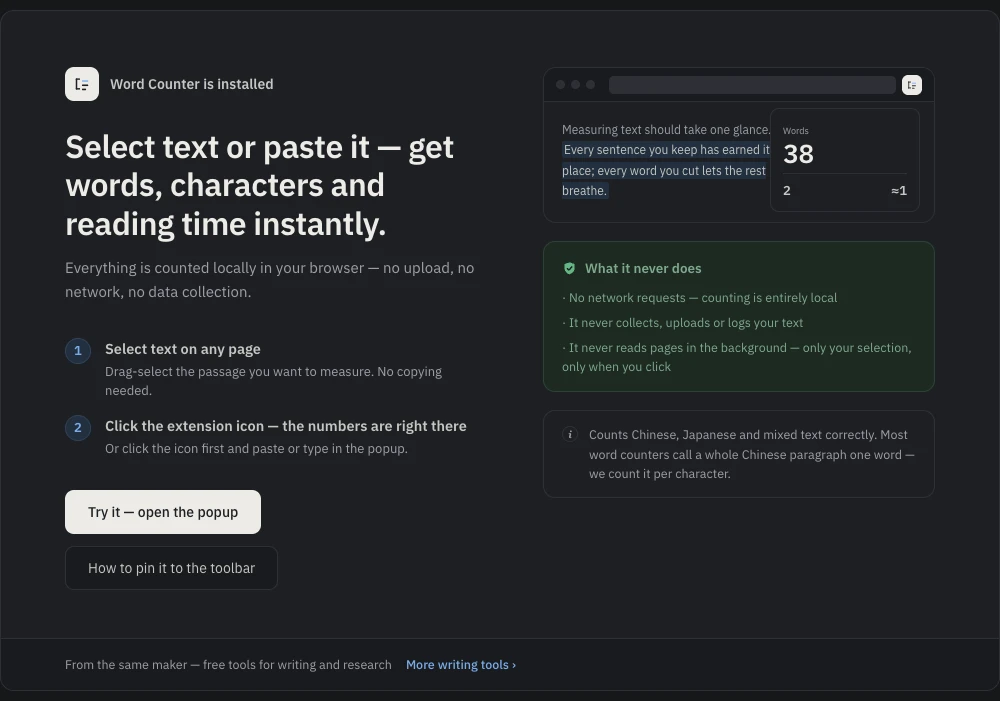
Select the text and open the popup
Highlight the article, chapter or script and click the Word Counter icon. Alongside words, characters and sentences you get two time estimates: min read and min speaking. The extension reads your selection only when you open it on that tab, and everything is computed locally.
How the estimate is computed
Reading time is the word count divided by a reading speed — 240 words per minute by default — rounded up to whole minutes, and it never shows a zero: even a paragraph rounds to one minute. Speaking time uses the same arithmetic at 160 words per minute. For Chinese and Japanese, which the extension counts per character, the same rate is applied per character — per-character CJK reading speeds are close enough to per-word Latin speeds that the estimate stays in the right ballpark, which is exactly what a rounded-minutes figure is for.
Set speeds that match your audience
Both rates are adjustable in settings. Average adult reading speed is commonly cited around 200–250 wpm for non-fiction, but your audience may not be average: dense technical documentation reads closer to 150–200, while skimmable list posts run faster. For speech, 160 wpm is a comfortable presentation pace; slow toward 130 for a non-native audience or heavy slides. Set the rate once and every future estimate uses it.
Speaking time is the underrated half
If you write talks, scripts or video voiceovers, the speaking estimate answers the question that actually matters: does this fit the slot? At 160 wpm, a five-minute talk is roughly 800 words — knowing that before rehearsal saves a rewrite after it.
An estimate, honestly
Reading time is a planning number, not a promise. Real readers slow down for tables and code, skim conclusions, and reread hard sentences; no calculator models that. What the estimate gives you is consistency — the same rule applied to every draft — which is what you need to compare versions or fill a content calendar.
Free and local
No account, no paid tier, no upload: your drafts stay on your device. For the full tour of what the popup counts — including correct Chinese and Japanese totals — see counting words on any web page.